
Best if: You build eLearning and want a process you can repeat
eLearning Architect System
Stop wasting time reinventing your eLearning process for every new project.
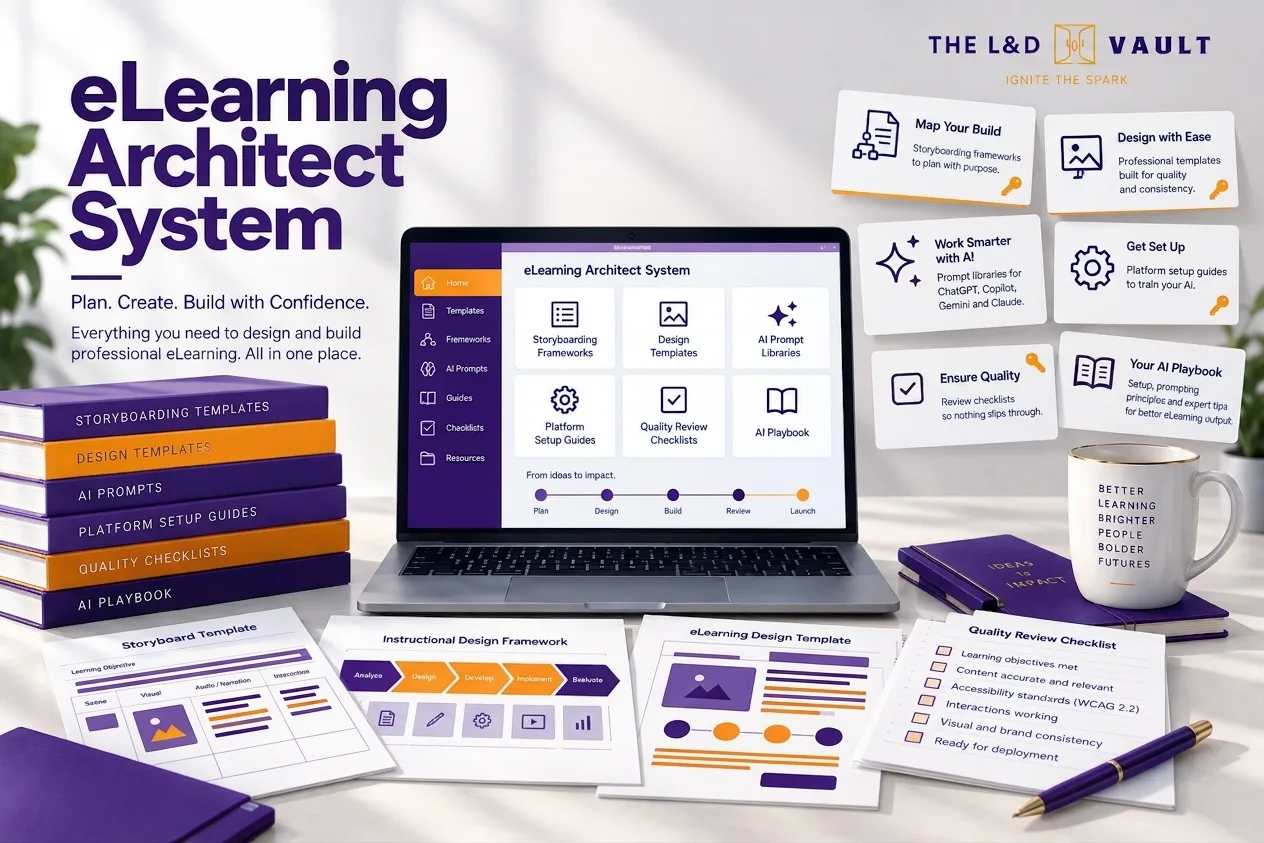
This system gives L&D professionals the exact templates, frameworks and AI prompts to design and build high quality, accessible eLearning efficiently, so you can shift your energy to where it really counts, the judgement and human connection.
Who it’s for
This system is for L&D professionals who want to design and develop high-quality eLearning without reinventing the process every time.
It's for instructional designers, eLearning developers, L&D managers, consultants and people responsible for creating digital learning experiences who want a more structured, efficient and consistent approach to their work.
If you're spending too much time managing stakeholders, planning projects, building resources from scratch or trying to balance learning design principles with tight deadlines, this system gives you practical frameworks, templates and tools to simplify the process.
You don't need to be an expert in every authoring tool or learning methodology. You need a clear process, the right resources and the confidence to make informed design decisions that put the learner at the centre.
What’s inside
- Stakeholder onboarding pack
- Setup guides
- eLearning process map
- Intervention decision tree
- Communication and project management templates
- WCAG 2.2 guidance
- Post-project survey
- ADDIE and Bloom's Taxonomy resources
- AI prompt libraries
How it works
Step 1: Plan with purpose
Start by understanding the learning needs before jumping into development. Use the stakeholder onboarding pack, intervention decision tree and project planning templates to clarify objectives, identify your audience, establish expectations and determine the right approach to learning.
Step 2: Design and develop
Bring your learning experience to life using the eLearning process map, ADDIE and Bloom's Taxonomy resources, accessibility guidance and AI prompt libraries. Follow a structured design process that supports creativity, reduces unnecessary rework and helps you build engaging, accessible and effective digital learning experiences.
Step 3: Show the impact
Go beyond publishing the finished course. Use the post-project survey and evaluation resources to gather feedback, reflect on the design and development process, and identify opportunities for improvement. Build on what you've learned to strengthen future projects and continuously improve the experiences you create.
Questions about this system
Which AI does it work with?
eLearning Architect System works with Claude, ChatGPT, Gemini and Copilot, and includes a brief setup guide for each.
What format are the files?
Word, PDF, Excel and similar, delivered in a zip file.
Is it accessible?
All the system files meet WCAG 2.2 Level AA.
Is it included in the Full Vault?
Yes. All five systems are included in the Full Vault membership. A$85 per month plus GST. Cancel anytime.
Not the right fit?
There are five systems, each built for a different problem on your desk.
See all systemsStill deciding? Is this training even the answer? Answer five quick questions and you will get an honest read.